A look inside
Clean, fast, familiar
Everything you need in a compact popup, with deeper tools one click away.
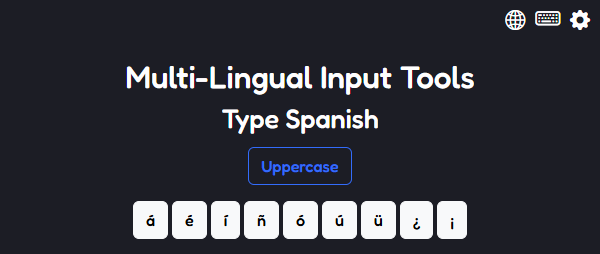
Multi-Lingual Input Tools is a browser extension that lets you quickly copy and paste accented letters and symbols from a growing list of languages — even when your keyboard can't type them.
Most standard English keyboards simply lack the accented letters and symbols of other languages. Whether you speak another language or are learning one at an institution, this extension bridges that gap — effortlessly.
Click any accented letter or symbol and it's copied to your clipboard — ready to paste wherever you need it.
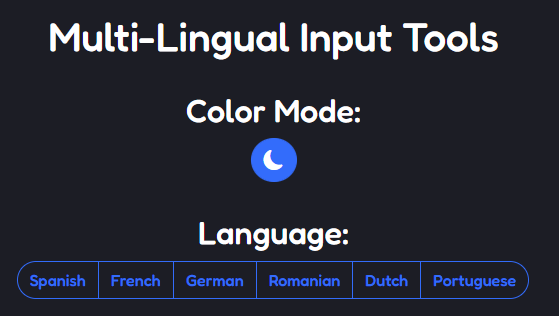
Spanish, French, German, Romanian, Dutch, and Portuguese — with more on the way. Each brings its own accent set.
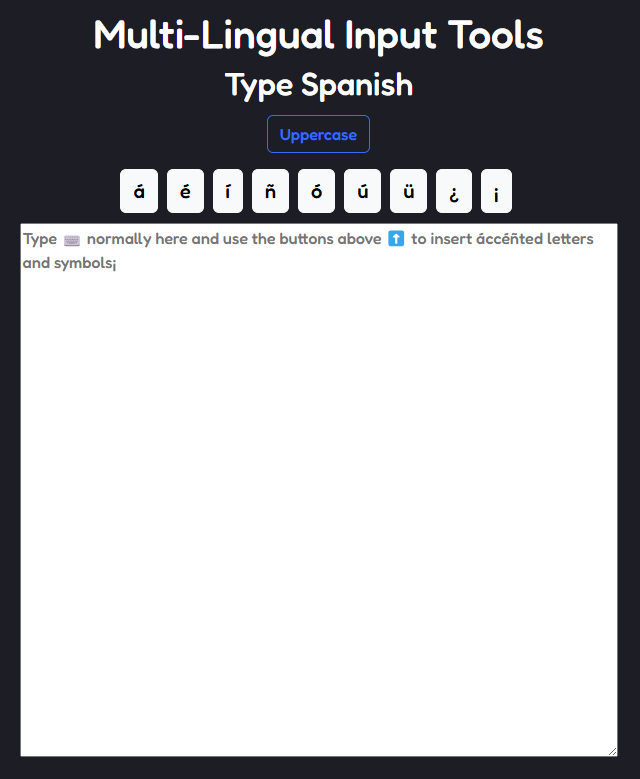
Need to write something long? The Full Typing Area gives you a dedicated space with all your symbols at hand.
No personal data is ever collected or stored. No trackers, no ads, no profiling — ever.
Switch between light and dark mode across every page of the extension with a single click.
The extension is fully open source. Inspect every line and see exactly how your data is handled — or isn't.
Select a language once and it syncs across the entire extension — popup, options, and the Full Typing Area.
Everything you need in a compact popup, with deeper tools one click away.
Not sure how it works? Read the user guide.